

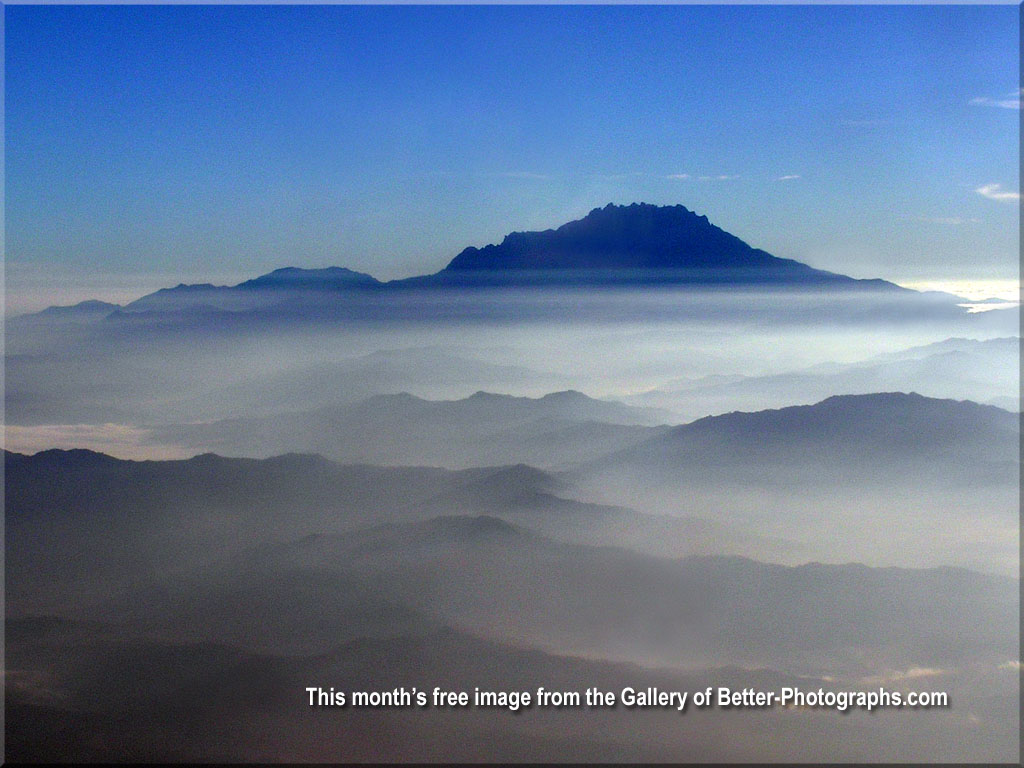
Airplane Pictures"Avoiding the Haze" Question from Pete about airplane pictures - I would love your thoughts on how to improve photos taken from a plane window through the haze shooting at the ground. I use Photoshop Elements. I have several shots that I can put on a site if you need something to work from. I can clean up shots taken of clouds etc but down through the haze is the problem. Thanks. Answer - Hello Pete,Thanks for contacting better-photographs.com. This is a tricky one and, as I am sure you will know, if there is haze then the camera will "see" it. First things first - never use a polarizing filter when shooting through an aeroplane window. The material used in the window also has a polarizing quality which will combine with a camera filter and almost certainly ruin the photograph. I have found a UV filter to be the best for this type of shot. Shooting towards the sun (even if it is behind a cloud) will also increase the apparent haze of the earth's atmosphere. Try to have it behind you or at least to the side - this isn't always possible of course but it well help a lot. That said, sometimes haze can add an ethereal look to an image. When using Photoshop Elements, try adjusting the levels first then increase the contrast and saturation a little. Finally, if there is flare - which is often caused by stray light from the window sides or the camera lens, then it's only cloning that will solve it - if you want to. All the best, John NOTE (Added August 2015) - The latest versions of Photoshop, Camera RAW and Lightroom have a de-haze function which works well but always strive to reduce haze in the camera before post-processing.
|

 |

| Image of the Month |
 |
| Click here to download it. |
| Find It |

Custom Search
|
| All of the advice, tutorials, masterclasses and ideas on this website are available to you at no charge. Even so, its upkeep does incur costs. |
|
| If you feel that
the site has helped you then any contribution you make, however small,
would go towards its ongoing maintenance and development. Thanks for your help. |
| Book of the Month |
 |
| Click here to read the review. |
|
|
New! Comments
Have your say about what you just read! Leave me a comment in the box below.